
Put BillyBets on Your Home Screen for Casino and Live Betting
On this page
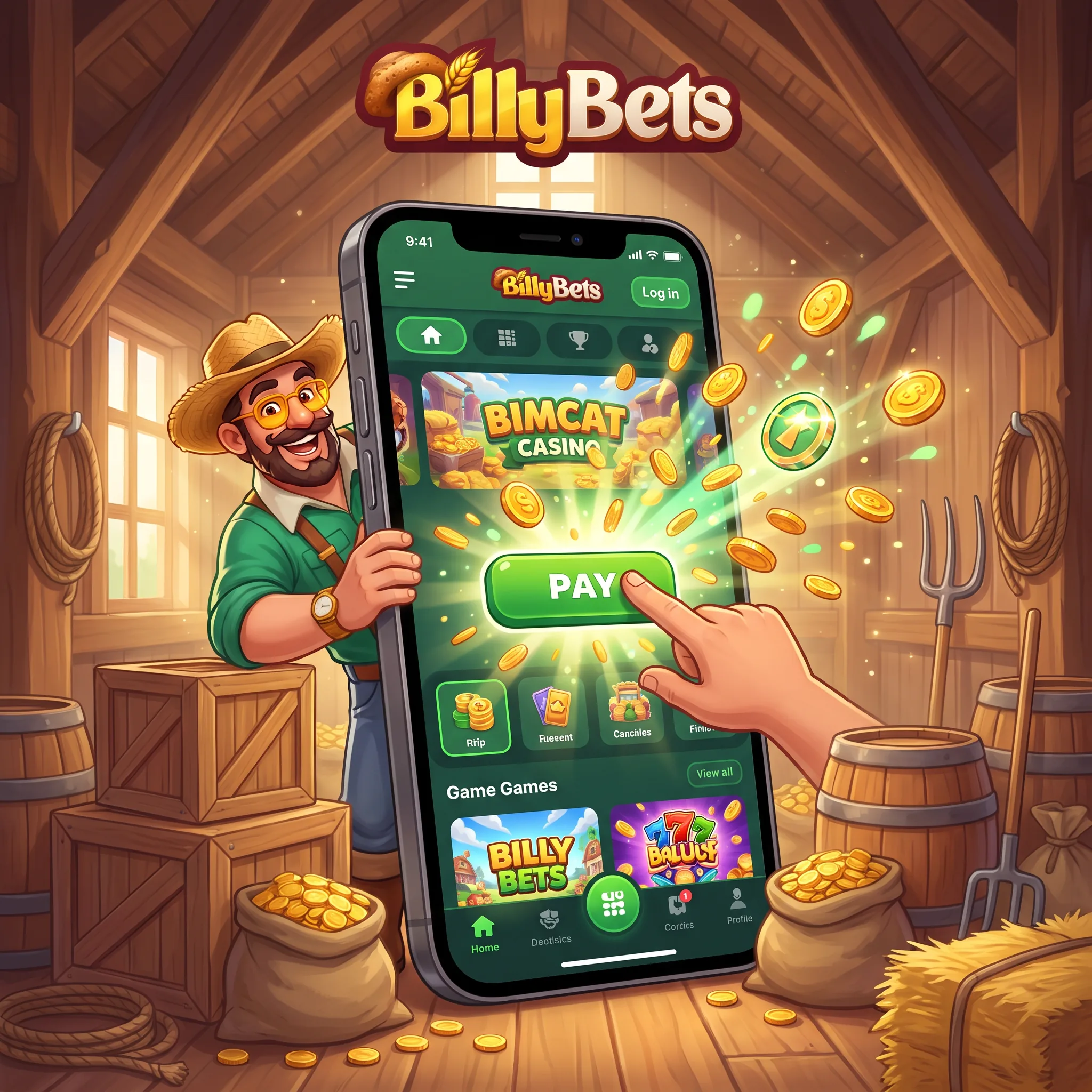
Our mobile route keeps installation short: open BillyBets in the browser and save the official page to the home screen. The shortcut launches the responsive BillyBets casino, sportsbook, cashier and Profile through the same account used on desktop. There is no separate balance to transfer and no second registration to maintain. The important step is saving the correct page and securing the device that holds the shortcut.
Android setup from the browser menu
- Open BillyBets in Chrome or your preferred supported browser.
- Tap the three-dot browser menu.
- Select Add to Home screen.
- Confirm or edit the shortcut name.
- Tap the new icon and sign in to your existing account.
This browser-shortcut process keeps the page connected to current casino, promotion and sportsbook updates. Android users who see an APK download control in the Help Centre can also follow the file-installation route below.
Install the BillyBets APK from the account download route
Open BillyBets in the Android browser, sign in and use the APK download control shown in the mobile or Help Centre area. When Android asks for permission, allow installs from that browser for this installation only, open the downloaded BillyBets APK and confirm Install. Launch the app from its new icon, sign in with the same account and then switch the browser’s unknown-app permission off again.
Check the domain before downloading, reject files sent through messages or unofficial mirrors, and compare the filename shown by the account page with the file in Android Downloads. An APK installation never creates another balance or changes bonus rules: casino games, sportsbook markets, KYC status and cashier history remain tied to the original account.
iPhone setup through Share
Open BillyBets in Safari, tap the Share icon and choose Add to Home Screen. Confirm the name and tap Add. The icon appears beside your other apps, but it continues to open our responsive website with your normal account credentials.
The mobile lobby is organised for short routes
Top, New, Popular, Exclusive, Live Games, Instant Games, Slots and Table Games remain separate filters. You can move from Gates of Olympus or Sweet Bonanza to Crazy Time, Dream Catcher or a blackjack table without returning to a desktop menu. Portrait mode works well for slot sessions; a stable connection and landscape view can make live tables and in-play sports markets easier to read.
Use the cashier without losing track of account status
The mobile cashier shows the methods tied to your currency and location. Cards, selected wallets, bank routes, Interac for eligible Canadian accounts and supported cryptocurrencies can appear. Before confirming, check the amount, active bonus status and payment ownership. A withdrawal can remain in finance review for up to 96 business hours before the selected method completes settlement. Details entered during BillyBets registration must remain consistent with the payment route used in the cashier.
Mobile bonus claims still follow the full terms
Open Profile to activate the 100% welcome match up to EUR 500 and the 200 free spins separately. The spins arrive as 20 per day for ten days; the cash stage uses (deposit + bonus) x35 and free-spin winnings x40. The mobile screen does not shorten wagering, validity or maximum-bet rules.
Keep the shortcut and account private
Protect the phone with a passcode or biometric lock, keep the operating system and browser current, and avoid saving credentials on a shared device. Sign out when another person can access the phone. Never approve a payment or document request that arrives outside our account, live chat or verified email route.
Fix the common shortcut problems
If the icon opens an old session, close the page, clear the browser cache and sign in again. If Add to Home Screen does not appear, open the page directly in Safari on iPhone or the main browser menu on Android. If a game stalls, switch network, close other tabs and relaunch from the shortcut. Account or cashier errors should go to 24/7 live chat or [email protected].
Keep mobile play within a visible time limit
A home-screen icon makes access faster, so decide the session length before opening it. Stop when the planned budget or time ends and never use a larger stake to recover a loss. Contact [email protected] for self-exclusion or account-control assistance. If a mobile session uses promotion funds, review the BillyBets bonus conditions before play.
FAQ
Use Add to Home screen for the browser shortcut. If the account or Help Centre displays an APK control, download the file there, approve that browser temporarily, install the APK and disable the permission afterwards.
Open the site in Safari, tap Share, choose Add to Home Screen and confirm Add.
No. It opens the same responsive site, login, balance, Profile, promotions and cashier used on desktop.
Yes. Activate the cash match and free-spin components separately in Profile before using the qualifying deposit.
Yes. Pre-match, in-play and virtual sports markets are integrated with the same account.
Check the network, close unused tabs, refresh the browser session and relaunch from the home-screen shortcut.
Yes. The same KYC, bonus-state, payment-ownership and finance-review rules apply.
Do not save credentials, sign out after use and protect the device with a passcode or biometric lock.